Table of Contents
- How to Accept Credit Card Payments on My Phone: Choosing the Right Platform
- Key Features to Look for When You Want to Accept Credit Card Payments on My Phone
- Step‑by‑Step: Setting Up to Accept Credit Card Payments on My Phone
- 1. Download the App and Create an Account
- 2. Link Your Bank Account
- 3. Connect the Card Reader
- 4. Configure Settings and Taxes
- 5. Perform a Test Transaction
- Optimizing the Mobile Checkout Experience
- Use Clear, Concise Receipts
- Offer Multiple Payment Options
- Leverage In‑App Analytics
- Keep Your Device Charged
- Security, Compliance, and Fraud Prevention
- End‑to‑End Encryption and Tokenization
- Enable Real‑Time Transaction Alerts
- Regularly Update Your App and Firmware
- Know Your Liability
- Special Considerations for Different Business Types
- Service‑Based Professionals
- Retail Pop‑Ups and Markets
- High‑Risk Merchants
- Fuel and Transportation Services
- Cost Considerations and ROI
- Transaction Fees
- Equipment Costs
- Opportunity Cost
- Break‑Even Analysis
- Future Trends: What’s Next for Mobile Card Payments?
In today’s fast‑paced market, the ability to accept credit card payments on your phone isn’t just a nice‑to‑have—it’s practically a requirement. Whether you’re a street‑vendor, a freelance photographer, or a boutique owner who just started selling on Instagram, having a reliable mobile payment solution can turn a casual browser into a paying customer in seconds.
But the world of mobile point‑of‑sale (mPOS) can feel overwhelming. There are dozens of apps, each promising low fees, lightning‑fast processing, and rock‑solid security. How do you cut through the hype and find a solution that truly fits your business model? This guide walks you through the essentials, from choosing the right provider to keeping transactions safe, so you can confidently accept credit card payments on your phone.
Below, we’ll explore the key considerations, walk through the set‑up process, share tips for optimizing the checkout experience, and even touch on compliance and fraud prevention. By the end, you’ll have a clear roadmap to start taking card payments wherever you go.
How to Accept Credit Card Payments on My Phone: Choosing the Right Platform
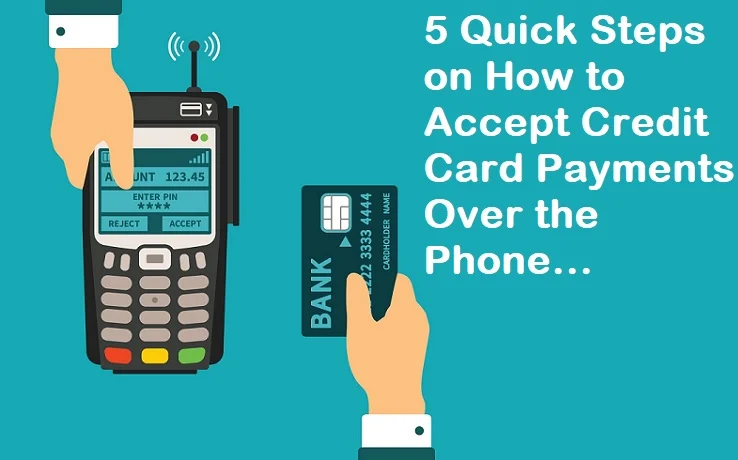
The first step in learning how to accept credit card payments on my phone is selecting a mobile payment platform that aligns with your needs. Not all solutions are created equal; some excel at low transaction fees, while others shine with advanced reporting or integrations with existing e‑commerce tools.
Key Features to Look for When You Want to Accept Credit Card Payments on My Phone
- Hardware vs. Software Only: Some providers ship a small card reader that plugs into your phone’s audio jack or Lightning port (e.g., Square Reader). Others are purely software‑based, allowing you to swipe or tap using the device’s NFC capabilities.
- Fee Structure: Look for transparent pricing—most charge a flat percentage per transaction (usually 2.6% + 10¢) but may offer tiered rates for higher volume.
- Integration Capabilities: If you already use accounting software like QuickBooks or e‑commerce platforms such as Shopify, pick a solution that syncs automatically.
- Security & Compliance: Ensure the app is PCI‑DSS compliant and offers end‑to‑end encryption.
- Customer Support: 24/7 chat or phone support can be a lifesaver when you encounter a glitch during a busy sales period.
Popular options include Square, PayPal Here, Stripe Terminal, and Shopify POS. Each has a free app download, but the hardware you need may differ. For instance, if you primarily take chip‑and‑pin cards, you’ll need a magstripe‑enabled reader; if you rely on contactless payments, look for NFC‑compatible devices.
Step‑by‑Step: Setting Up to Accept Credit Card Payments on My Phone
Now that you know what to look for, let’s walk through the actual set‑up process. This section assumes you’ve chosen a provider—say, Square—and have a compatible card reader ready.
1. Download the App and Create an Account
Head to the App Store (iOS) or Google Play (Android) and search for “Square Point of Sale.” Install the app, then follow the on‑screen prompts to create a business account. You’ll need to provide basic information: business name, address, and tax ID.
2. Link Your Bank Account
To receive funds, you must connect a bank account. Square typically transfers money next business day, but you can opt for instant transfers (for a small fee). Ensure the bank account you link matches the name of your business to avoid verification delays.
3. Connect the Card Reader
Plug the reader into your phone’s charging port or pair via Bluetooth, depending on the model. The app will detect the device automatically—if not, follow the troubleshooting guide in the app’s help section.
4. Configure Settings and Taxes
Set your default currency, add sales tax rates, and customize receipts (digital or printed). Many apps let you add tip options, which is handy for service‑oriented businesses.
5. Perform a Test Transaction
Before you go live, run a small test purchase (e.g., $0.01). This confirms that the hardware, app, and bank connection work seamlessly.
Once you’ve completed these steps, you’re ready to accept credit card payments on my phone wherever you set up shop.
Optimizing the Mobile Checkout Experience
A smooth checkout can make the difference between a completed sale and a lost opportunity. Below are practical tips to streamline the process and keep customers happy.
Use Clear, Concise Receipts
Customers appreciate a receipt that’s easy to read. Include the business name, date, itemized list, tax, and a contact number for support. Some apps also let you add a QR code that links to your online store or feedback form.
Offer Multiple Payment Options
While the focus is on credit cards, consider adding Apple Pay, Google Pay, and even ACH debit for larger B2B transactions. The more options you provide, the higher the likelihood of conversion.
Leverage In‑App Analytics
Most mPOS solutions provide real‑time sales dashboards. Use these insights to identify peak selling times, best‑selling products, and average transaction values. This data can guide inventory decisions and promotional strategies.
Keep Your Device Charged
Nothing stalls a sale faster than a dead battery. Invest in a portable power bank, and consider a case that doubles as a charger. A quick charge habit ensures you never miss a sale.
Security, Compliance, and Fraud Prevention

When you accept credit card payments on my phone, you’re handling sensitive financial data. Staying compliant with PCI‑DSS (Payment Card Industry Data Security Standard) isn’t optional—it’s mandatory.
End‑to‑End Encryption and Tokenization
Most reputable providers encrypt card data at the point of entry and replace the actual card number with a token that can’t be reversed. This means even if a breach occurs, the stolen data is useless to fraudsters.
Enable Real‑Time Transaction Alerts
Set up push notifications for every transaction. If you notice an unfamiliar purchase, you can act quickly—either by contacting the cardholder or flagging the transaction for review.
Regularly Update Your App and Firmware
Software updates often include security patches. Turn on automatic updates for both the mobile app and the card reader firmware to stay protected against emerging threats.
Know Your Liability
Under the credit card and debit card processing: a deep dive, merchants are generally liable for fraudulent transactions unless they follow proper verification steps. Using chip‑and‑pin or contactless authentication helps shift liability back to the card issuer.
Special Considerations for Different Business Types
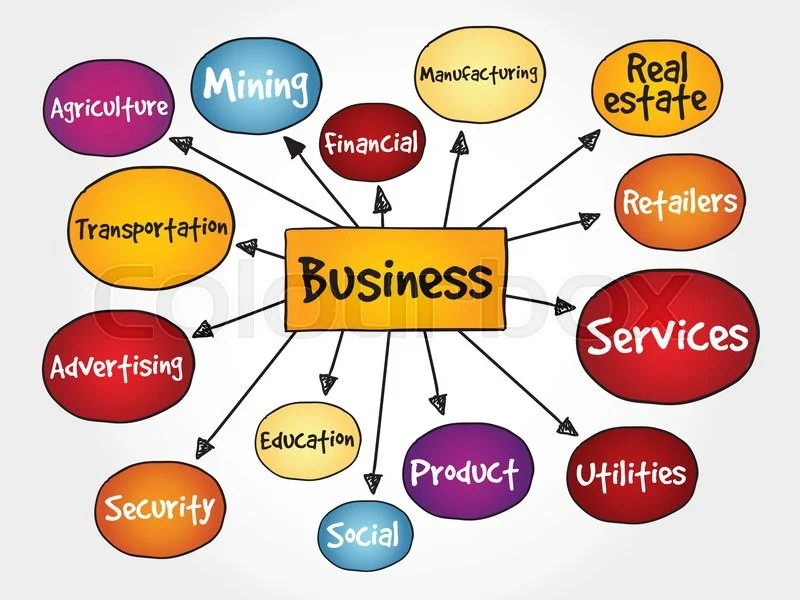
Not every business operates the same way, so tailoring your mobile payment setup can boost efficiency.
Service‑Based Professionals
Freelancers like photographers, consultants, or personal trainers often need to collect tips or deposits. Choose a solution that allows split payments or pre‑authorizations.
Retail Pop‑Ups and Markets
For vendors at farmers markets or pop‑up shops, portability is key. A small Bluetooth reader paired with a tablet or smartphone works well. Consider a device with a built‑in battery for truly untethered operation.
High‑Risk Merchants
If you sell products that are deemed high‑risk (e.g., certain electronics or adult items), you may face higher chargeback rates. Some providers specialize in high‑risk processing; read the credit card processing for high risk – a complete guide before committing.
Fuel and Transportation Services
Companies that run fuel stations or mobile fuel trucks often need specialized terminals that can handle high‑ticket transactions. A dedicated fuel credit cards for small business solution may be the best fit.
Cost Considerations and ROI
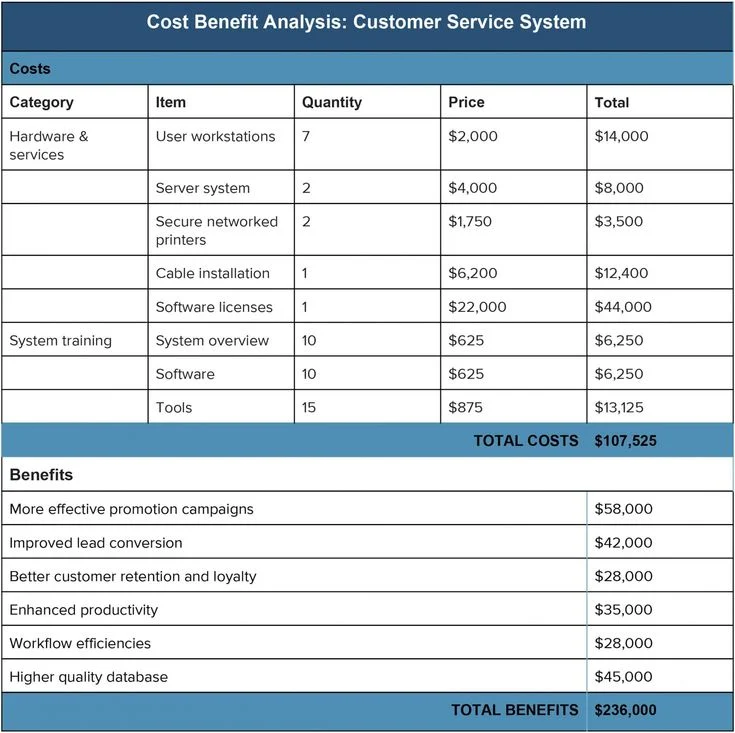
Understanding the total cost of ownership is essential before you accept credit card payments on my phone. While many providers advertise “no monthly fees,” hidden costs can arise.
Transaction Fees
Typical rates range from 2.4% to 3.5% per swipe, plus a fixed cent amount. If you process a high volume of low‑ticket sales, those fees add up quickly. Some providers offer custom pricing for businesses processing over $10,000 per month.
Equipment Costs
Card readers can cost anywhere from $0 (free with a new account) to $200 for premium models with receipt printers. Evaluate whether the upfront expense is justified by the expected increase in sales.
Opportunity Cost
Turning away a customer because you can’t accept cards can cost far more than the transaction fee itself. Studies show that businesses that accept card payments see a 20‑30% increase in average order value.
Break‑Even Analysis
Run a simple calculation: If your average transaction is $50 and you process 100 sales per month, you’ll generate $5,000 in sales. At a 2.6% fee, that’s $130 in processing costs. If accepting cards increases sales by even 5% ($250 extra), you net $120 more after fees—making the service profitable.
Future Trends: What’s Next for Mobile Card Payments?
The landscape of mobile payments is evolving rapidly. Here are a few trends to watch as you continue to accept credit card payments on my phone.
- Contactless Dominance: NFC payments (Apple Pay, Google Pay) are projected to surpass magnetic stripe usage within the next five years.
- Integrated Loyalty Programs: Many mPOS platforms now embed loyalty points directly into the checkout flow, encouraging repeat business.
- AI‑Powered Fraud Detection: Real‑time machine learning models can flag suspicious transactions before they’re completed.
- Cryptocurrency Acceptance: Some forward‑thinking providers let merchants accept crypto alongside traditional cards, converting it instantly to fiat.
Staying informed about these developments can help you adapt your mobile payment strategy and maintain a competitive edge.
In summary, mastering how to accept credit card payments on my phone is a blend of choosing the right technology, ensuring security, and optimizing the customer experience. With the right setup, you’ll be able to capture sales wherever you are, boost your average transaction size, and keep your business running smoothly. So go ahead—plug in that reader, fire up the app, and start turning those taps into revenue.