Table of Contents
- small business credit card processing online: What You Need to Know
- Key Factors in small business credit card processing online
- Understanding the Fee Landscape
- Interchange Fees
- Markup/Processor Fee
- Monthly & Annual Fees
- Chargeback and Dispute Fees
- Security First: Keeping Card Data Safe
- Tokenization Explained
- End‑to‑End Encryption (E2EE)
- Choosing the Right Provider for Your Business
- Traditional Merchant Accounts
- All‑In‑One Solutions
- Hybrid/White‑Label Solutions
- Integrating with Your E‑Commerce Platform
- Leveraging Rewards and Cash‑Back Programs
- Scaling Up: From Startup to Growing Enterprise
- Real‑World Tips for Smooth Operations
- Test Your Checkout Frequently
- Monitor Your Statements
- Offer Multiple Payment Options
- Educate Your Team
- Future Trends in Small Business Credit Card Processing Online
Running a small business in today’s digital age means you can’t afford to turn away customers who prefer to pay with a card. Whether you’re selling handcrafted mugs on a website or taking orders at a pop‑up market, having a reliable way to accept card payments online is a game‑changer. But the world of merchant services can feel like a maze of jargon, hidden fees, and endless options. That’s why this guide walks you through the essentials of small business credit card processing online—so you can make an informed choice without the headache.
First, let’s demystify the process. At its core, online credit card processing involves three main steps: the customer enters their card details, the information travels securely to a payment gateway, and finally the transaction is approved (or declined) by the card‑issuing bank. If everything checks out, the funds are deposited into your merchant account. Sounds simple, right? In practice, the experience varies widely depending on the provider you pick, the type of hardware or software you use, and the specific needs of your business.
In the sections that follow, you’ll learn how to evaluate providers, understand the fee structures, stay compliant with security standards, and even leverage rewards programs to cut costs. By the end, you’ll have a clear roadmap for setting up small business credit card processing online that aligns with your budget and growth plans.
small business credit card processing online: What You Need to Know
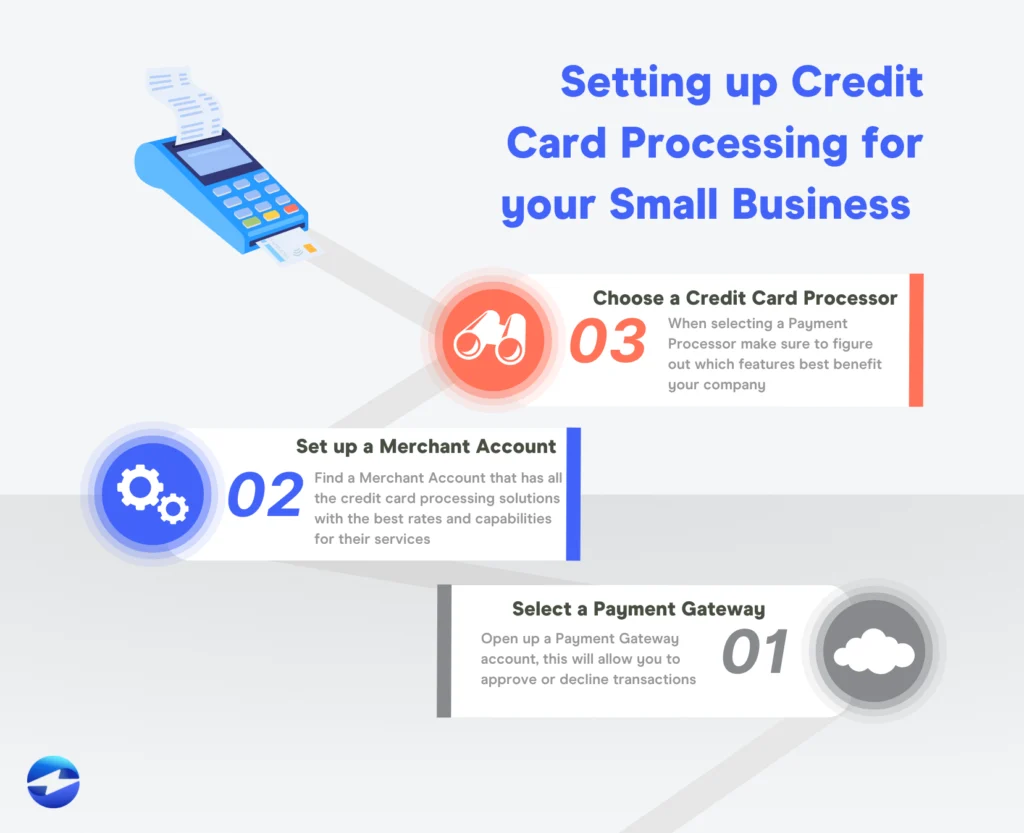
Choosing the right solution starts with understanding the key components that make up the ecosystem. A typical setup includes:
- Merchant Account: The bank account where your processed funds land.
- Payment Gateway: The technology that encrypts and transmits card data securely.
- Payment Processor: The entity that communicates with the card networks (Visa, MasterCard, etc.) to complete the transaction.
- Point‑of‑Sale (POS) Software: If you sell both online and in‑person, a unified POS can simplify inventory and reporting.
Many providers bundle these elements into a single package, which can be convenient for small business credit card processing online. However, bundling also means you need to scrutinize each part to avoid paying for features you’ll never use.
Key Factors in small business credit card processing online
Below are the critical criteria to weigh when comparing options:
- Transaction Fees: Look for a clear breakdown of interchange rates, markup, and any monthly or hidden fees. A typical structure is a percentage (e.g., 2.9%) plus a fixed amount (e.g., $0.30) per transaction.
- Setup Costs: Some providers charge a one‑time activation fee or require you to buy a terminal. Others offer free onboarding.
- Contract Length: Short‑term contracts give flexibility; long‑term agreements often lock in lower rates but can be costly to exit.
- Security & PCI Compliance: Your provider must be PCI‑DSS compliant and support tokenization or end‑to‑end encryption.
- Integration Capability: Does the gateway plug into your e‑commerce platform (Shopify, WooCommerce, etc.) without custom code?
- Customer Support: 24/7 live chat or phone support can save you from lost sales during peak hours.
When you line up these factors, you’ll see how each solution matches the unique rhythm of your business.
Understanding the Fee Landscape

Fees are the most visible aspect of small business credit card processing online, but they’re also the most variable. Let’s break down the most common charges you’ll encounter:
Interchange Fees
These are set by the card networks and passed through to the issuing banks. They depend on factors like card type (debit vs. credit), transaction size, and whether the card is swiped, entered manually, or processed online. Interchange typically accounts for 1.5%‑2.5% of each sale.
Markup/Processor Fee
Payment processors add a markup on top of interchange. This can be a flat rate (e.g., 0.2%) or a tiered percentage. Some providers advertise “no markup” but embed the cost in higher monthly fees—so read the fine print.
Monthly & Annual Fees
Monthly minimums, statement fees, or annual account fees are common. If your transaction volume is low, a flat‑rate provider without a monthly minimum might be cheaper, even with a slightly higher per‑transaction rate.
Chargeback and Dispute Fees
If a customer disputes a charge, you may incur a $15‑$25 fee per chargeback. Some processors offer “chargeback protection” programs that absorb the cost, which can be worth it for high‑risk categories.
To put it in perspective, imagine a boutique that processes $5,000 in sales per month. At a 2.9% + $0.30 rate, the monthly cost is roughly $150. If a provider adds a $10 monthly fee and a $5 statement fee, the total climbs to $165. Understanding these nuances helps you forecast expenses accurately.
Security First: Keeping Card Data Safe
Security isn’t just a buzzword—it’s a legal requirement. The Payment Card Industry Data Security Standard (PCI‑DSS) mandates that any business handling card data must follow strict guidelines. For small business credit card processing online, the easiest way to stay compliant is to use a hosted payment page or tokenization.
Tokenization Explained
Instead of storing the actual card number, tokenization replaces it with a unique, meaningless string (a token). This token can be used for future transactions (e.g., recurring billing) without exposing sensitive data. Many modern gateways, like Stripe or Square, handle tokenization automatically.
End‑to‑End Encryption (E2EE)
With E2EE, the card data is encrypted at the point of entry (your website or POS) and stays encrypted until it reaches the processor. Even if a hacker intercepts the data, it’s useless without the decryption key.
When vetting a provider, ask for their PCI compliance level (SAQ A, SAQ D, etc.) and whether they support tokenization or E2EE out of the box. This will protect you from costly breaches and keep your customers’ trust intact.
Choosing the Right Provider for Your Business
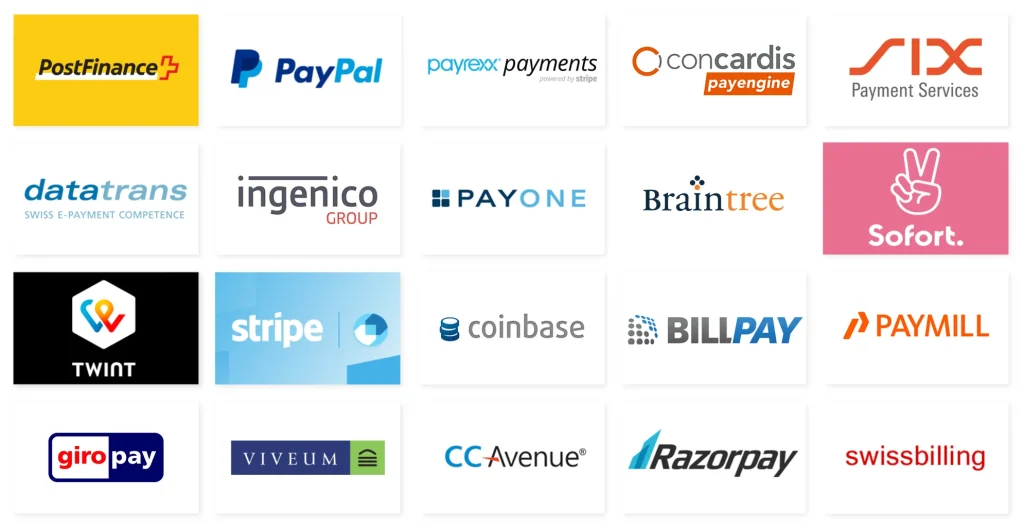
There’s no one‑size‑fits‑all answer, but here are three common categories of providers and who they serve best:
Traditional Merchant Accounts
Ideal for businesses with high transaction volume and the ability to negotiate rates. You’ll typically need a separate gateway and may face longer settlement times (2‑3 business days).
All‑In‑One Solutions
Platforms like Square, PayPal, and Stripe bundle the gateway, processor, and merchant account. They’re perfect for small business credit card processing online when you want quick setup, transparent pricing, and seamless integration with e‑commerce platforms.
Hybrid/White‑Label Solutions
If you have a niche market or need custom branding, a white‑label processor can give you a branded checkout experience while still leveraging the underlying infrastructure of a larger processor.
To see a practical comparison, check out our practical playbook for processing credit cards online. The guide walks you through real‑world scenarios and shows how different fee structures affect the bottom line.
Integrating with Your E‑Commerce Platform
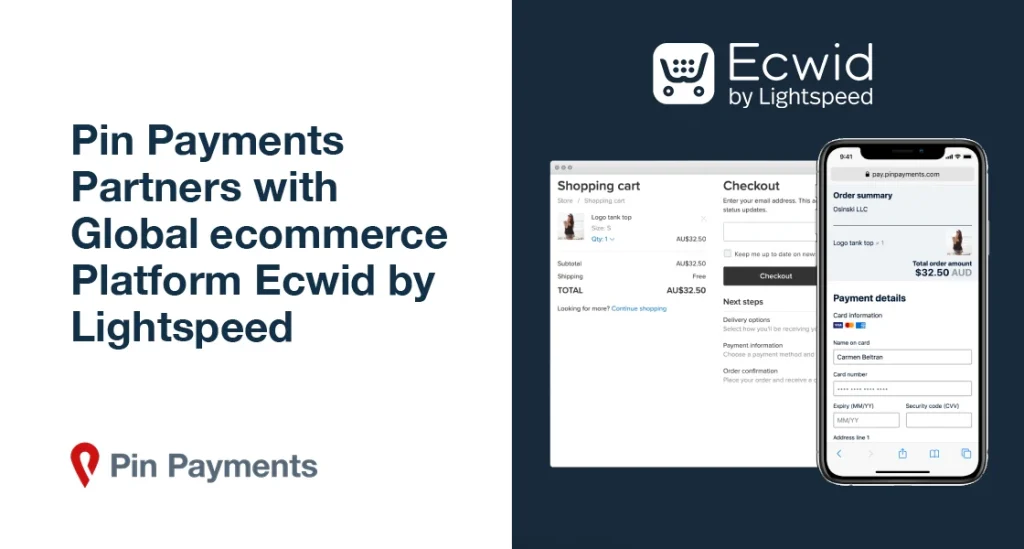
Most modern platforms support multiple gateways through plugins or built‑in settings. Here’s a quick checklist to ensure a smooth integration:
- Confirm the gateway’s API documentation is up‑to‑date.
- Test the sandbox environment before going live.
- Enable address verification (AVS) and CVV checks to reduce fraud.
- Set up automatic email receipts and order confirmations.
- Verify that the checkout page is mobile‑responsive.
If you’re using WooCommerce, the complete guide to online credit card processing for small business outlines step‑by‑step instructions for installing and configuring the most popular plugins.
Leveraging Rewards and Cash‑Back Programs

Some processors offer cash‑back or reward points on transaction volume. While these incentives can offset fees, they’re rarely enough to outweigh a high per‑transaction cost. However, for businesses that already have a high volume of sales, a reward program can be a nice bonus.
For example, the Discover cash back credit card limit guide discusses how certain business credit cards pair well with processor rewards, effectively reducing overall expenses.
Scaling Up: From Startup to Growing Enterprise
As your sales climb, you’ll likely need to revisit your processing solution. Here are three signs it’s time to upgrade:
- Transaction Volume Exceeds Provider Limits: Some gateways cap monthly sales; crossing that threshold may trigger higher rates.
- Need for Advanced Features: Multi‑currency support, recurring billing, or sophisticated fraud detection may require a more robust platform.
- Settlement Speed Becomes Critical: Faster cash flow can be achieved with ACH or instant payout options offered by premium processors.
When scaling, consider a provider that offers tiered pricing or custom contracts, allowing you to negotiate better rates as volume grows. A flexible contract also prevents you from being locked into outdated technology.
Real‑World Tips for Smooth Operations

Test Your Checkout Frequently
Run test transactions after any website update to ensure the gateway still works. Even a minor code change can break the payment flow.
Monitor Your Statements
Regularly review your processing statements for unexpected fees or duplicate charges. Early detection can save you from costly errors.
Offer Multiple Payment Options
While credit cards dominate, adding alternatives like Apple Pay, Google Pay, or ACH can cater to a broader audience and sometimes lower your average transaction cost.
Educate Your Team
Make sure staff understand refund policies, chargeback procedures, and how to handle declined transactions gracefully. A knowledgeable team reduces friction at the point of sale.
Future Trends in Small Business Credit Card Processing Online
The landscape is evolving rapidly. Here are a few trends to watch:
- Embedded Finance: Platforms will increasingly offer built‑in financing options, letting customers pay in installments directly at checkout.
- AI‑Powered Fraud Detection: Machine learning models can spot suspicious patterns in real time, reducing chargebacks.
- Contactless & QR Payments: Especially post‑pandemic, QR code and NFC solutions are becoming mainstream for both online and physical sales.
- Blockchain Settlements: Some innovators are exploring crypto‑based settlements to cut cross‑border fees.
Staying ahead of these trends can give your business a competitive edge and keep your small business credit card processing online strategy future‑proof.
Setting up a reliable payment flow is one of the most impactful moves a small business can make. By understanding fees, prioritizing security, choosing the right provider, and continuously optimizing your checkout, you’ll turn more browsers into loyal buyers. Remember, the goal isn’t just to process payments—it’s to create a seamless experience that reflects the quality of your brand.
Ready to dive deeper? Our practical guide to credit card processing online walks you through the technical steps, from setting up a sandbox account to going live. With the right knowledge and tools, you’ll master small business credit card processing online and set the stage for sustainable growth.