Table of Contents
- Understanding Small Business Online Credit Card Processing
- Key Features to Look for in Small Business Online Credit Card Processing Solutions
- Choosing the Right Provider for Small Business Online Credit Card Processing
- Flat‑Rate Pricing
- Interchange‑Plus Pricing
- Tiered Pricing
- Security and Compliance: Keeping Your Transactions Safe
- Tokenization and Encryption
- Two‑Factor Authentication (2FA)
- Regular Audits and Monitoring
- Integrating Payments into Your Existing Workflow
- Accounting Software Sync
- Inventory Management
- Customer Relationship Management (CRM)
- Cost Management: Avoiding Hidden Fees
- Future Trends Shaping Small Business Online Credit Card Processing
- Buy‑Now, Pay‑Later (BNPL)
- Contactless & Mobile Wallets
- Artificial Intelligence for Fraud Detection
- Open Banking and Direct Debit
- Step‑by‑Step Checklist to Get Started
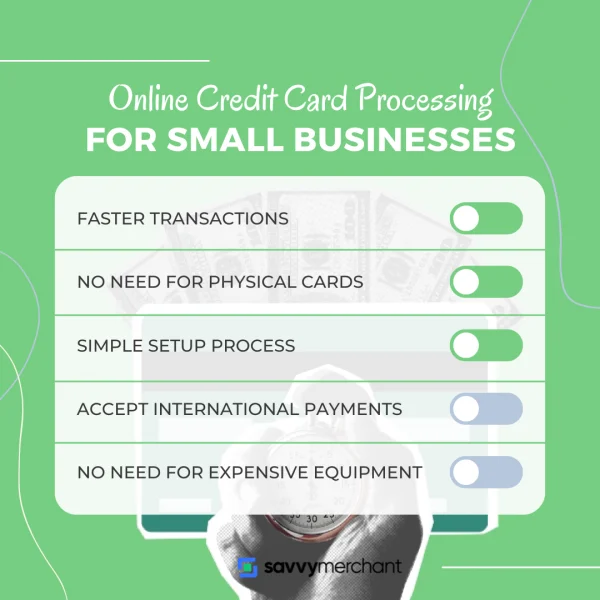
Running a small business today means you’re constantly juggling inventory, marketing, customer service, and a mountain of admin tasks. One piece of the puzzle that can either streamline or stall your cash flow is how you accept payments online. If you’ve ever wondered how to set up a reliable, secure, and cost‑effective system, you’re in the right place.
In this guide we’ll break down everything you need to know about small business online credit card processing. From the basic building blocks of a payment gateway to the hidden fees that can eat into your margins, we’ll cover the practical steps you can take right now. By the end, you’ll have a clear roadmap to get paid faster, protect your customers’ data, and keep your accounting tidy.
Before we dive into the nitty‑gritty, it’s worth noting that the landscape has shifted dramatically in the last few years. Cloud‑based processors, tokenization, and omnichannel solutions have turned what used to be a complex, hardware‑heavy setup into a few clicks on a dashboard. That’s great news for small‑scale entrepreneurs who want to focus on growth rather than tech support.
Understanding Small Business Online Credit Card Processing
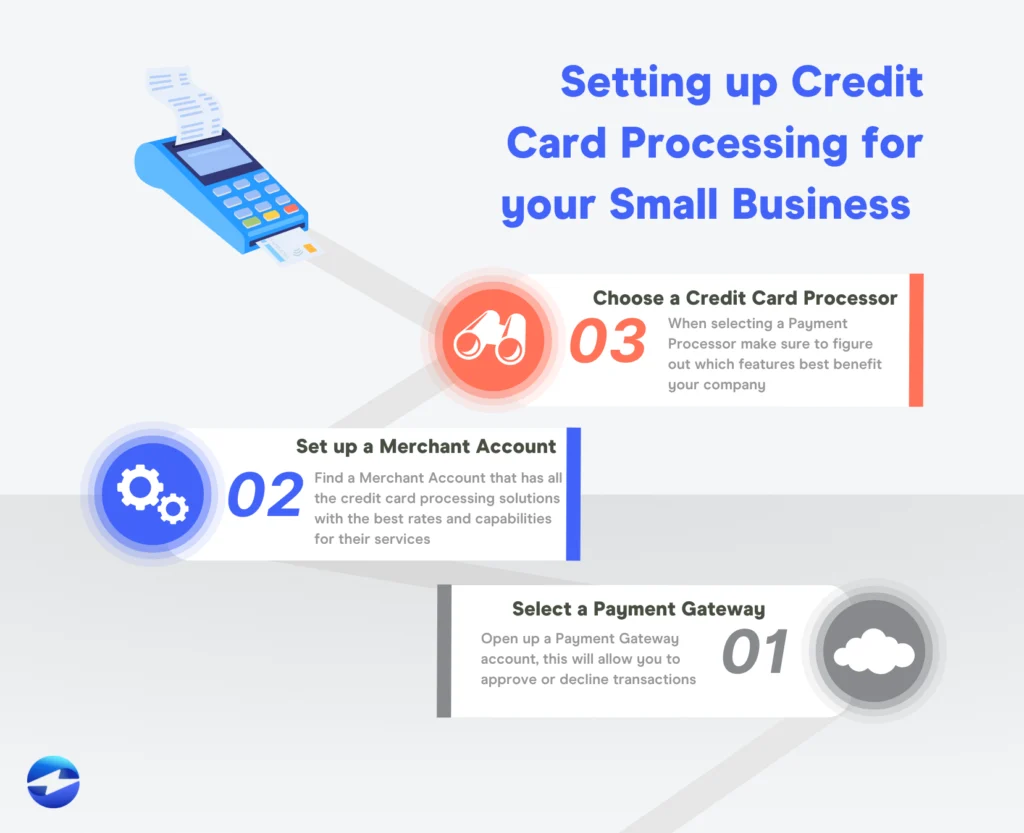
At its core, small business online credit card processing is the series of steps that moves money from a customer’s card to your bank account. The flow usually looks like this:
- Customer enters card details on your website or mobile app.
- The information is sent securely to a payment gateway, which encrypts the data.
- The gateway forwards the encrypted payload to the payment processor or acquiring bank.
- The card‑issuing bank approves or declines the transaction.
- Approved funds are settled into your merchant account, typically within 1–3 business days.
This seemingly simple chain involves several players—your merchant account, the gateway, the processor, and the card networks (Visa, Mastercard, etc.). Each can add its own fees, so understanding where your money goes is essential for budgeting.
Key Features to Look for in Small Business Online Credit Card Processing Solutions
- PCI‑DSS compliance – Guarantees that card data is handled securely.
- Transparent pricing – Flat‑rate or interchange‑plus models should be clearly explained.
- Mobile‑friendly checkout – Responsive design and support for Apple/Google Pay.
- Integration options – Plugins for Shopify, WooCommerce, SquareSpace, or custom APIs.
- Fraud detection tools – Real‑time risk scoring and address verification.
- Multi‑currency support – Crucial if you sell internationally.
If you’re not sure where to start, the article Small Business Credit Card Processing Online – A Complete Guide offers a deep dive into each of these features and how they compare across top providers.
Choosing the Right Provider for Small Business Online Credit Card Processing
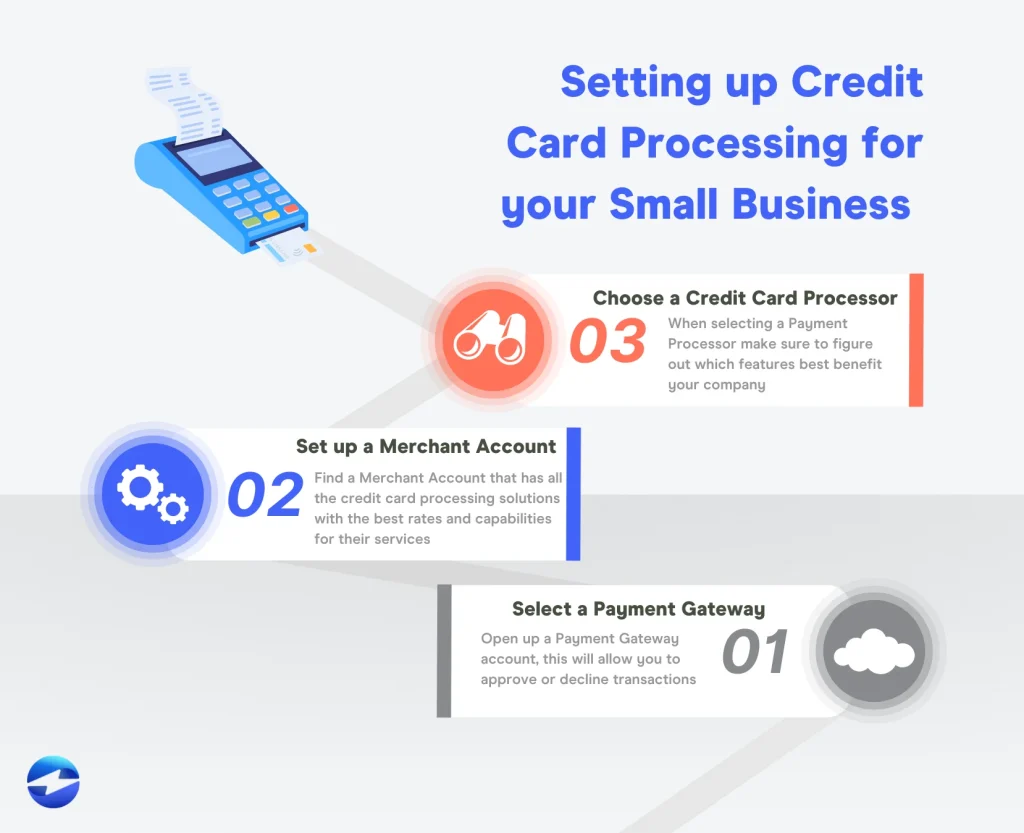
Not all payment processors are created equal, and the “best” choice depends heavily on your industry, transaction volume, and tech comfort level. Below are the three most common pricing structures you’ll encounter.
Flat‑Rate Pricing
Flat‑rate pricing is the simplest model: you pay a single percentage (often 2.9%) plus a fixed fee (like $0.30) per transaction. It’s attractive for businesses with predictable sales patterns and low average ticket sizes because you know exactly what each sale will cost.
Interchange‑Plus Pricing
Interchange‑plus separates the actual interchange fee (set by the card networks) from the processor’s markup. This model tends to be cheaper for larger merchants or those with high‑value transactions, but the statement can look more complex. If you have a fluctuating sales mix, ask your provider for a cost‑analysis to see which model wins.
Tiered Pricing
Tiered pricing bundles transactions into “qualified,” “mid‑qualified,” and “non‑qualified” categories, each with its own rate. While it sounds straightforward, the categorization rules are often opaque, leading to surprise fees. Small businesses should approach tiered pricing with caution and request a clear breakdown of how each transaction type is classified.
To see a practical comparison of these models in action, check out How to Process Credit Cards Online for Small Business – A Practical Playbook. The playbook walks you through a side‑by‑side cost calculator that can help you predict monthly expenses based on your sales forecast.
Security and Compliance: Keeping Your Transactions Safe
Security isn’t just a buzzword; it’s a legal requirement. For small business online credit card processing, compliance with the Payment Card Industry Data Security Standard (PCI‑DSS) is non‑negotiable. Failure to comply can result in hefty fines, increased transaction fees, or even loss of the ability to accept cards.
Tokenization and Encryption
Modern processors use tokenization to replace sensitive card numbers with a random string (a token) that is useless if intercepted. Encryption ensures that data traveling between your website and the gateway remains unreadable to eavesdroppers. Look for providers that advertise “end‑to‑end encryption” and “PCI‑validated tokenization.”
Two‑Factor Authentication (2FA)
Many payment dashboards now require 2FA for logins, reducing the risk of unauthorized access. It’s a small step that adds a big layer of protection, especially if multiple team members need portal access.
Regular Audits and Monitoring
Even with the best technology, human error can slip in. Set up automatic alerts for unusual transaction patterns, and schedule quarterly reviews of your security settings. Some processors offer built‑in dashboards that flag high‑risk cards or transactions that exceed your typical average.
Integrating Payments into Your Existing Workflow
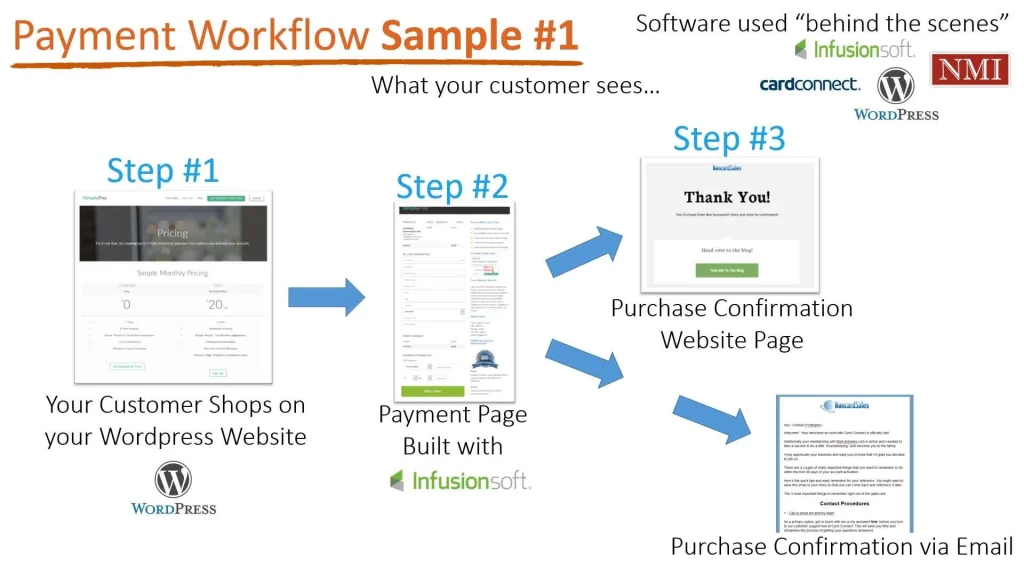
Choosing a processor is only half the battle; the real magic happens when the system talks to your other tools—accounting software, inventory management, CRM, and even email marketing platforms. Seamless integration reduces manual entry, minimizes errors, and saves you hours each week.
Accounting Software Sync
Most popular accounting packages (QuickBooks, Xero, FreshBooks) have native integrations with major processors. When a sale is captured, the transaction automatically posts to your ledger, categorizes revenue, and updates tax liabilities. This real‑time sync can be a lifesaver during tax season.
Inventory Management
If you sell physical products, linking your payment gateway to inventory software helps keep stock levels accurate. A sale triggers a deduction in inventory, preventing overselling and keeping customer expectations realistic.
Customer Relationship Management (CRM)
Integrating payment data with a CRM (like HubSpot or Zoho) lets you segment customers based on purchase behavior, send personalized follow‑ups, and even set up subscription billing for recurring revenue models.
Cost Management: Avoiding Hidden Fees
Even with transparent pricing, hidden costs can creep in. Here are the most common ones and how to mitigate them.
- Monthly gateway fees – Some providers charge a flat monthly fee for the gateway service. Look for “no‑monthly‑fee” plans if you have low transaction volume.
- PCI compliance fees – A one‑time or annual fee for maintaining compliance. Some processors bundle this cost into the transaction rate.
- Chargeback fees – If a customer disputes a charge, you may pay $15‑$25 per incident. Choose a processor with robust fraud tools to keep disputes low.
- Batching fees – Fees for submitting transactions in batches rather than individually. Most modern systems batch automatically at no extra cost.
- Currency conversion fees – If you accept foreign cards, watch for conversion markup (often 2‑3%). A processor that offers multi‑currency accounts can reduce this expense.
Do a quick spreadsheet audit: list your average monthly sales, apply the processor’s rates, and add estimated fees. This exercise will reveal the true cost of small business online credit card processing and help you negotiate better terms.
Future Trends Shaping Small Business Online Credit Card Processing
The payments ecosystem is evolving faster than many other business technologies. Staying ahead of trends can give you a competitive edge.
Buy‑Now, Pay‑Later (BNPL)
BNPL options like Afterpay, Klarna, and Splitit are gaining traction, especially among younger shoppers. Integrating BNPL can boost average order value and conversion rates, but be mindful of the additional fees (usually 2‑4% of the transaction).
Contactless & Mobile Wallets
Apple Pay, Google Pay, and Samsung Pay are now standard checkout options on most smartphones. Supporting these wallets reduces friction and can increase checkout speed by up to 30%.
Artificial Intelligence for Fraud Detection
AI‑driven risk engines analyze patterns across millions of transactions in real time, flagging anomalies that traditional rules might miss. Processors that leverage AI can lower chargeback rates and protect your bottom line.
Open Banking and Direct Debit
In regions like the EU and UK, Open Banking enables direct debit from a customer’s bank account without a card. This method often has lower fees and higher settlement speeds, making it an attractive alternative for subscription‑based small businesses.
Step‑by‑Step Checklist to Get Started
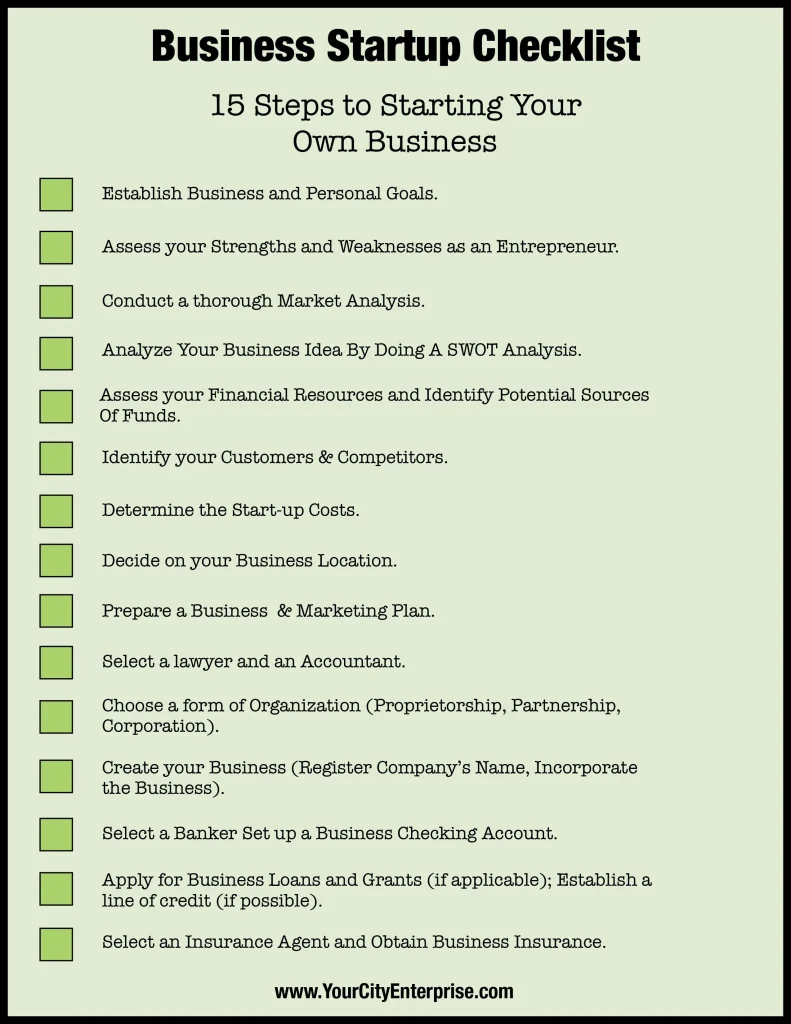
- Define your business needs: volume, average ticket size, international sales, and required integrations.
- Research providers and compare pricing models (flat‑rate, interchange‑plus, tiered).
- Verify PCI‑DSS compliance and security features like tokenization and 2FA.
- Test the checkout flow on desktop and mobile devices.
- Set up integrations with accounting, inventory, and CRM tools.
- Configure fraud filters and set up alerts for suspicious activity.
- Run a pilot with a small batch of transactions to ensure settlements are accurate.
- Launch full‑scale, monitor fees, and adjust your plan as needed.
Following this roadmap will smooth the onboarding process and help you avoid common pitfalls that many small owners encounter when moving their payments online.
At the end of the day, the goal of small business online credit card processing is simple: get paid quickly, keep your customers’ data safe, and understand exactly what you’re paying for. With the right provider, solid security practices, and smart integrations, you’ll free up time to focus on what truly matters—growing your business and serving your customers.