Table of Contents
- Step‑by‑Step: How to Link Bank Account to Crypto.com
- 1. Prepare Your Banking Information
- 2. Open the Crypto.com App and Access “Payments”
- 3. Enter Your Bank Details Securely
- 4. Verify the Connection
- 5. Set Your Preferred Transfer Limits
- Why Linking a Bank Account Beats Credit Cards on Crypto.com
- Security Best Practices When You Link Bank Account to Crypto.com
- Enable Two‑Factor Authentication (2FA)
- Use Strong, Unique Passwords
- Monitor Account Activity Regularly
- Stay Updated on Phishing Scams
- Troubleshooting Common Issues When Linking Your Bank
- Bank Account Not Accepted
- Verification Code Doesn’t Arrive
- Transfer Limits Too Low
- Unexpected Fees Appear
- Advanced Features After You Link Your Bank Account
- Instant Buy and Sell
- Crypto Earn and Staking
- Pay with Crypto.com Card
- FAQ: Quick Answers About Linking a Bank Account to Crypto.com
Crypto.com has grown into one of the most versatile platforms for buying, selling, and managing crypto assets. Whether you’re a seasoned trader or just dipping your toes into the digital‑currency world, the ability to move fiat money in and out of the app is essential. That’s where linking your bank account becomes a game‑changer – it unlocks instant deposits, swift withdrawals, and a smoother overall experience.
In this article we’ll walk you through everything you need to know about how to link bank account to Crypto.com. From preparing your banking details, navigating the app’s interface, to troubleshooting the most common hiccups, we’ll cover it all. You’ll also get practical security advice and a few pro tips that can save you time and avoid headaches down the road.
Before we dive into the step‑by‑step process, it’s worth understanding why a direct bank link is often preferred over using a credit card or third‑party service. Bank transfers typically have lower fees, higher limits, and fewer regulatory restrictions, which translates into more buying power for your crypto portfolio. Ready? Let’s get started.
Step‑by‑Step: How to Link Bank Account to Crypto.com

The actual procedure to link bank account to Crypto.com is straightforward, but a few details can trip up new users. Follow these instructions closely to ensure a smooth connection.
1. Prepare Your Banking Information
- Make sure the bank account is in your name and supports electronic transfers (ACH for U.S. banks, SEPA for European banks, etc.).
- Have your routing number, account number, and, if required, your bank’s SWIFT/BIC code ready.
- Check that your bank allows outgoing transfers to third‑party platforms; some banks block crypto‑related transactions by default.
2. Open the Crypto.com App and Access “Payments”
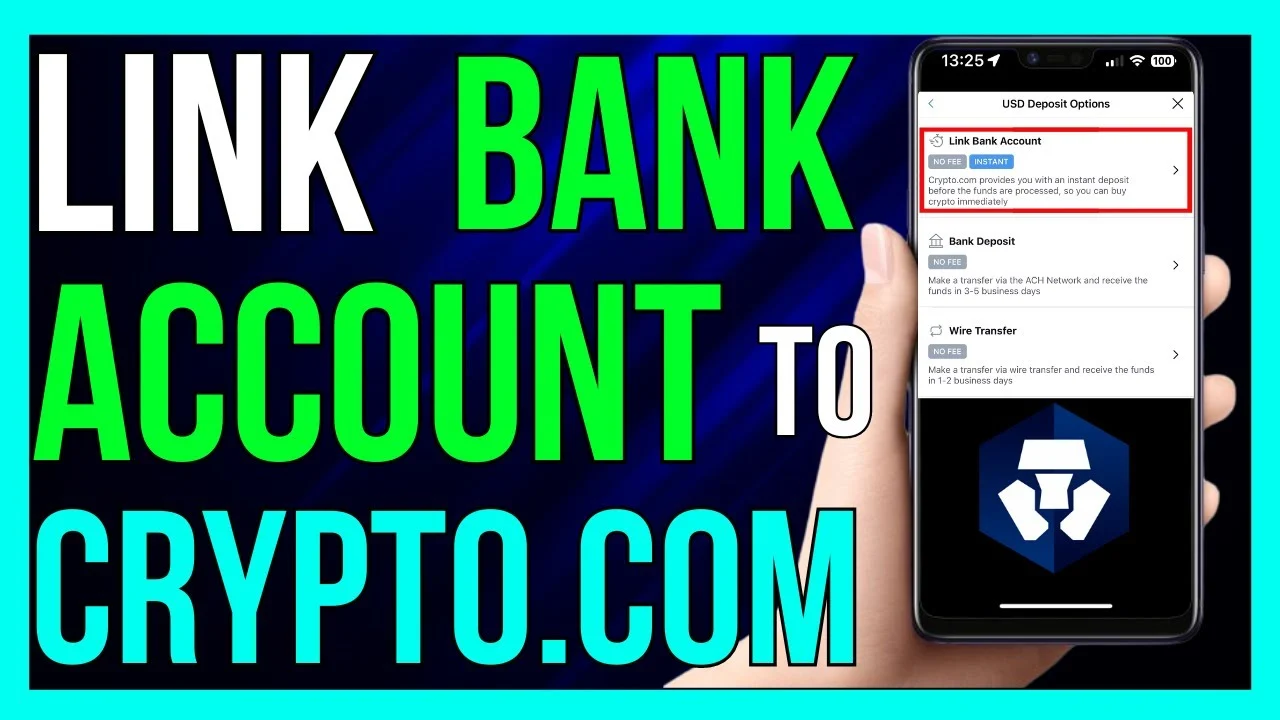
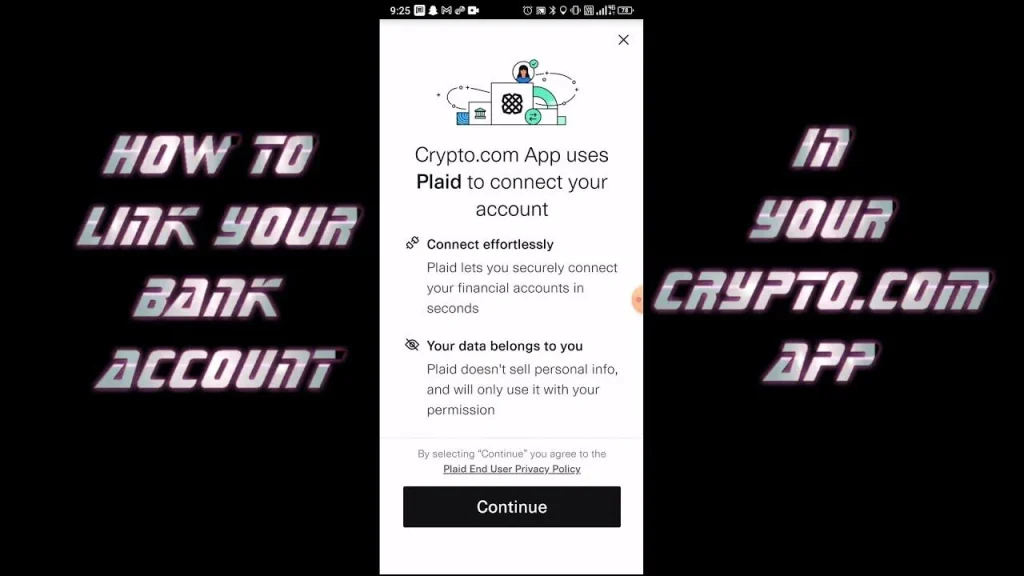
Launch the Crypto.com mobile app, sign in, and tap the Payments tab at the bottom of the screen. From there, select Bank Transfer and then choose Add Bank Account. This is the first place where you’ll actually link bank account to Crypto.com.
3. Enter Your Bank Details Securely
The app will prompt you to fill in the required fields. Input the routing number, account number, and any additional verification codes your bank may request. Crypto.com uses end‑to‑end encryption, so your data stays protected throughout the process.
4. Verify the Connection
After submitting the details, Crypto.com typically performs a small test transaction (often $0.01) to confirm ownership of the account. You’ll receive a notification with a verification code that you must enter back in the app. This step finalizes the link bank account to Crypto.com process.
5. Set Your Preferred Transfer Limits
Once the bank account is linked, you can configure daily, weekly, or monthly limits. Adjust these limits based on your trading frequency and security comfort level. Remember, higher limits mean larger potential exposure if your account is ever compromised.
Why Linking a Bank Account Beats Credit Cards on Crypto.com
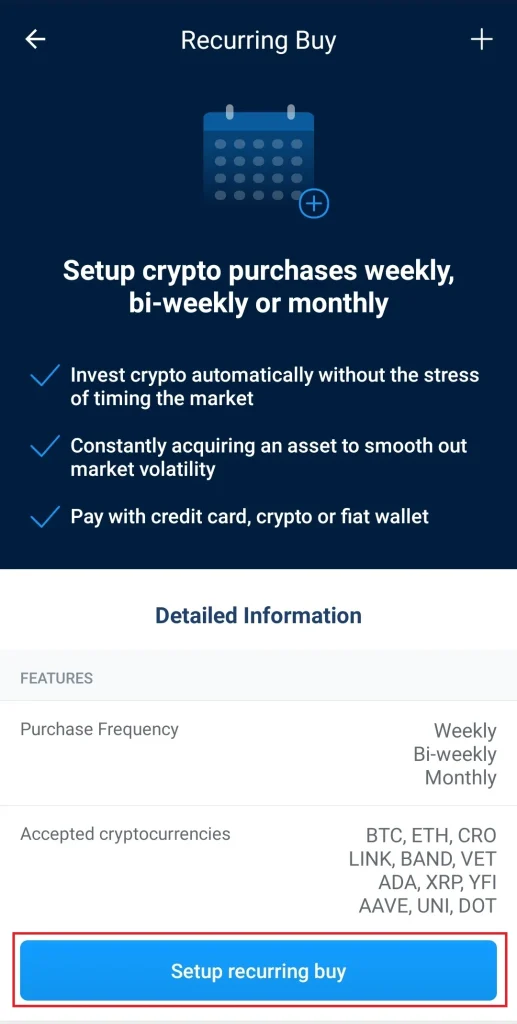
Many newcomers wonder if they should use a credit card instead of a bank account. While credit cards are convenient, they come with higher fees and lower limits. By linking a bank account, you can:
- Enjoy lower transaction fees (often under 0.5% compared to 2‑3% for credit cards).
- Access higher deposit and withdrawal limits, essential for larger trades.
- Reduce the risk of chargebacks, which can lead to account suspensions.
- Benefit from faster settlement times for large sums.
If you’re interested in learning how to move your crypto after the bank is linked, check out our step‑by‑step guide on how to send on Crypto.com. The process builds directly on the bank integration you just completed.
Security Best Practices When You Link Bank Account to Crypto.com
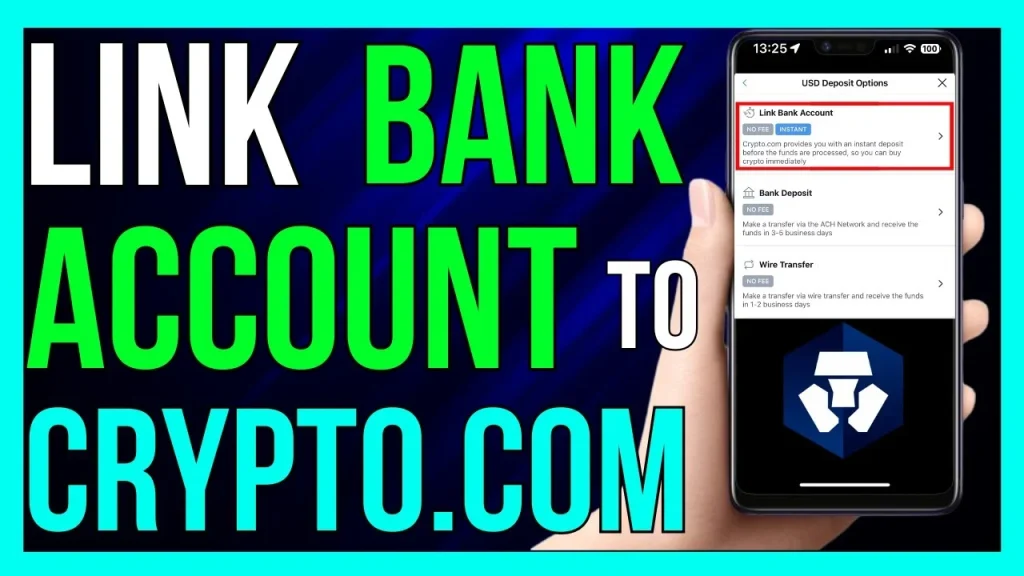
Security should never be an afterthought, especially when your fiat money is involved. Here are some essential tips to keep your linked bank account safe:
Enable Two‑Factor Authentication (2FA)
Activate 2FA via an authenticator app rather than SMS whenever possible. This adds a second layer of protection that hackers find harder to bypass.
Use Strong, Unique Passwords
Never reuse passwords across financial platforms. A password manager can generate and store complex passwords for you.
Monitor Account Activity Regularly
Check your Crypto.com transaction history and your bank statements weekly. Early detection of unauthorized transfers can prevent larger losses.
Stay Updated on Phishing Scams
Crypto.com will never ask for your password or 2FA codes via email. If you receive suspicious messages, report them immediately. For a deeper dive into protecting your business finances, see our Credit Card Fraud Prevention for Businesses – A Practical Guide.
Troubleshooting Common Issues When Linking Your Bank
Even with a careful approach, you might run into hiccups. Below are the most frequent problems and how to solve them.
Bank Account Not Accepted
If the app rejects your details, double‑check that the account is in your name and that the routing number matches the bank’s region. Some banks block ACH transfers to crypto platforms by default; contact your bank’s support to lift the restriction.
Verification Code Doesn’t Arrive
Test transactions can sometimes be delayed. Wait up to 15 minutes and refresh the app. If the code still doesn’t show up, request a new verification attempt from the app’s settings menu.
Transfer Limits Too Low
Crypto.com may set conservative limits for new users. To raise them, you’ll typically need to complete identity verification (KYC) and provide additional documentation such as a utility bill or passport.
Unexpected Fees Appear
Make sure you’re not being charged a hidden fee by your bank for outgoing ACH or SEPA transfers. Some banks treat crypto‑related transfers as “international” and apply a small surcharge.
Advanced Features After You Link Your Bank Account
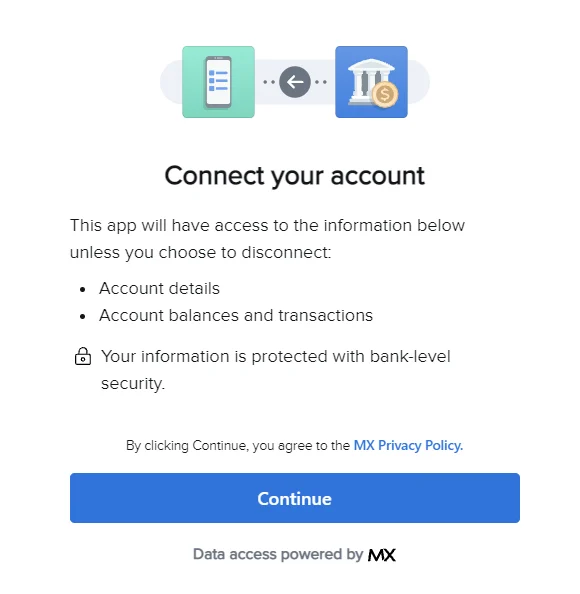
Once your bank account is successfully linked, Crypto.com unlocks a suite of advanced functionalities that can enhance your trading and earning potential.
Instant Buy and Sell
With a linked bank, you can instantly purchase crypto using fiat without waiting for a manual deposit to clear. This is perfect for catching market dips in real time.
Crypto Earn and Staking
Deposit fiat, convert it to your preferred asset, and lock it in Crypto.com’s Earn program to earn up to 14% APY on select tokens. The faster you move funds from your bank, the quicker you start earning.
Pay with Crypto.com Card
The Crypto.com Visa card allows you to spend crypto directly at merchants. Linking a bank account simplifies the process of topping up your card balance, ensuring you always have enough funds for everyday purchases.
FAQ: Quick Answers About Linking a Bank Account to Crypto.com
- Can I link more than one bank account? Yes, Crypto.com supports multiple accounts, which is handy for separating personal and business funds.
- Is there a fee to link a bank account? No, linking itself is free. However, standard bank transfer fees may apply depending on your financial institution.
- How long does verification take? Typically 5‑10 minutes, but it can extend to a few hours during peak traffic.
- What if I change banks? You can remove the old account in the app’s settings and add the new one following the same steps.
- Will my linked bank be visible to other Crypto.com users? No, your banking details are encrypted and only used for your personal transactions.
By now you should feel confident about how to link bank account to Crypto.com and leverage the platform’s full potential. The process is designed to be user‑friendly, but taking the extra minutes to double‑check each step will save you from unnecessary delays later on.
Remember, the key to a seamless crypto experience lies in solid fundamentals: a verified identity, a securely linked bank account, and vigilant monitoring of your assets. With these building blocks in place, you’re ready to explore everything Crypto.com offers—whether that’s buying Bitcoin at the dip of the day, staking DeFi tokens, or simply using the Crypto.com Visa card for everyday purchases.
Happy trading, and may your digital portfolio grow safely and steadily!