
Table of Contents
- what apps to use for crypto: a comprehensive guide
- Top criteria for evaluating what apps to use for crypto
- Trading and Exchange Apps
- Coinbase – Beginner‑friendly with a polished UI
- Crypto.com – All‑in‑one platform for traders and spenders
- Binance – Low fees and a massive selection
- Webull – A broker‑style experience for crypto
- Wallet Apps – Storing Your Coins Safely
- Phantom Wallet – The go‑to for Solana and DeFi
- MetaMask – The universal Ethereum gateway
- Trust Wallet – Multi‑chain convenience
- Hardware wallet companions (Ledger, Trezor)
- Portfolio Trackers and Tax Tools
- CoinStats – Unified portfolio view
- TokenTax – Simplified crypto tax reporting
- DeFi and Yield‑Farming Apps
- Avalanche Wallet – Quick access to high‑yield farms
- Zapper – One‑click yield farming dashboard
- Tips for Choosing the Right Mix of Apps
- Start simple, then diversify
- Never store large sums on exchanges
- Keep an eye on fees
- Use two‑factor authentication everywhere
- Stay informed about regulatory changes
Stepping into the world of digital assets can feel like entering a bustling marketplace where every stall promises the next big thing. With so many options, the first question most newcomers ask is simple yet crucial: what apps to use for crypto?
Choosing the right tools isn’t just about convenience; it’s about safety, fees, accessibility, and how well the app fits your personal trading or investing style. In this article we’ll walk through the categories of apps you’ll encounter, break down the features that truly matter, and give you a clear roadmap to start—or level up—your crypto journey.
Whether you’re looking to buy Bitcoin on a simple mobile app, manage a diversified portfolio of altcoins, or explore decentralized finance (DeFi) without getting lost in code, knowing what apps to use for crypto will save you time, money, and headaches.
what apps to use for crypto: a comprehensive guide

Below is a structured look at the main types of applications you’ll likely need. Each section highlights the top picks, key features, and a quick tip to help you decide if it fits your needs.
Top criteria for evaluating what apps to use for crypto
- Security: Two‑factor authentication (2FA), hardware wallet integration, and insurance coverage.
- Fees: Trading spreads, withdrawal costs, and any hidden subscription fees.
- User experience: Intuitive UI, responsive customer support, and educational resources.
- Asset coverage: Number of supported cryptocurrencies and tokens, plus access to DeFi or NFT markets.
- Regulatory compliance: KYC/AML procedures and jurisdictional licensing.
Keeping these factors in mind will help you answer the core question—what apps to use for crypto—without feeling overwhelmed.
Trading and Exchange Apps

When it comes to buying, selling, or swapping coins, exchange apps are the workhorse. They combine market data, order execution, and wallet services in one place.
Coinbase – Beginner‑friendly with a polished UI
Coinbase often tops the list for newcomers because it streamlines the onboarding process. The app supports a decent range of major coins, offers recurring buys, and provides educational incentives where you can earn crypto by learning about it. However, its fees can be higher than some competitors, especially for small trades.
Crypto.com – All‑in‑one platform for traders and spenders
Crypto.com excels at offering a full ecosystem: exchange, Visa debit card, staking, and a native token (CRO) that reduces fees. If you’re wondering what apps to use for crypto that double as a payment solution, this is a strong candidate. The How to Buy XDC on Crypto.com guide walks you through a typical purchase flow.
Binance – Low fees and a massive selection
For those who need depth—think hundreds of trading pairs, futures, and margin—Binance remains unmatched. Its mobile app is robust, offering advanced charting tools and quick trade options. Security is bolstered by optional hardware wallet support and a “Secure Asset Fund for Users” (SAFU) insurance pool.
Webull – A broker‑style experience for crypto
If you already have a Webull brokerage account for stocks, you might wonder what apps to use for crypto that integrate seamlessly. Webull now supports a limited set of crypto assets, letting you view everything under one dashboard. Check out the Can I Buy Crypto on Webull? article for a step‑by‑step walkthrough.
Wallet Apps – Storing Your Coins Safely
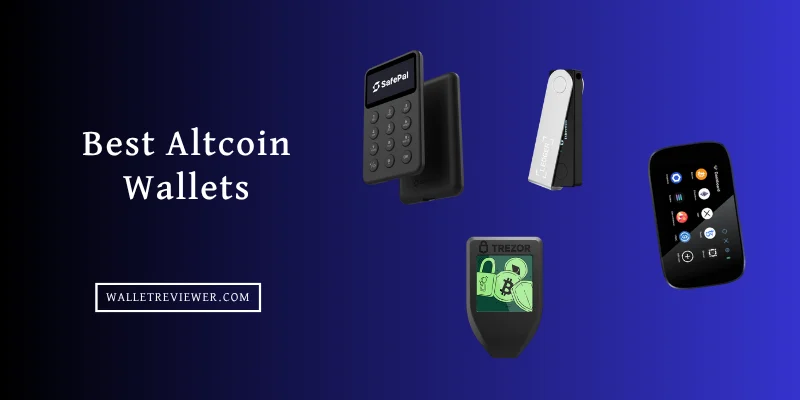
Exchanges are convenient, but for long‑term holding you’ll want a dedicated wallet. Below are the most reliable mobile and desktop wallets that answer the question what apps to use for crypto when it comes to secure storage.
Phantom Wallet – The go‑to for Solana and DeFi
Phantom shines in the Solana ecosystem, offering a sleek UI, built‑in token swap, and NFT support. If you’re exploring DeFi on Solana, Phantom is often the first choice. The How to Buy Crypto on Phantom Wallet guide provides a beginner‑friendly walkthrough.
MetaMask – The universal Ethereum gateway
MetaMask remains the most widely used browser extension and mobile app for Ethereum and compatible chains. Its open‑source nature allows for countless dApp integrations, but remember to back up your seed phrase and enable biometric lock on mobile.
Trust Wallet – Multi‑chain convenience
Owned by Binance, Trust Wallet supports over 200,000 tokens across multiple blockchains. Its built‑in staking, DEX, and Web3 browser make it a versatile choice for users who don’t want to juggle several apps.
Hardware wallet companions (Ledger, Trezor)
While not “apps” in the strict sense, both Ledger Live and Trezor Suite act as the interface for their hardware devices. Pair them with a mobile app like MetaMask for the best of both worlds: cold storage with hot‑wallet convenience.
Portfolio Trackers and Tax Tools
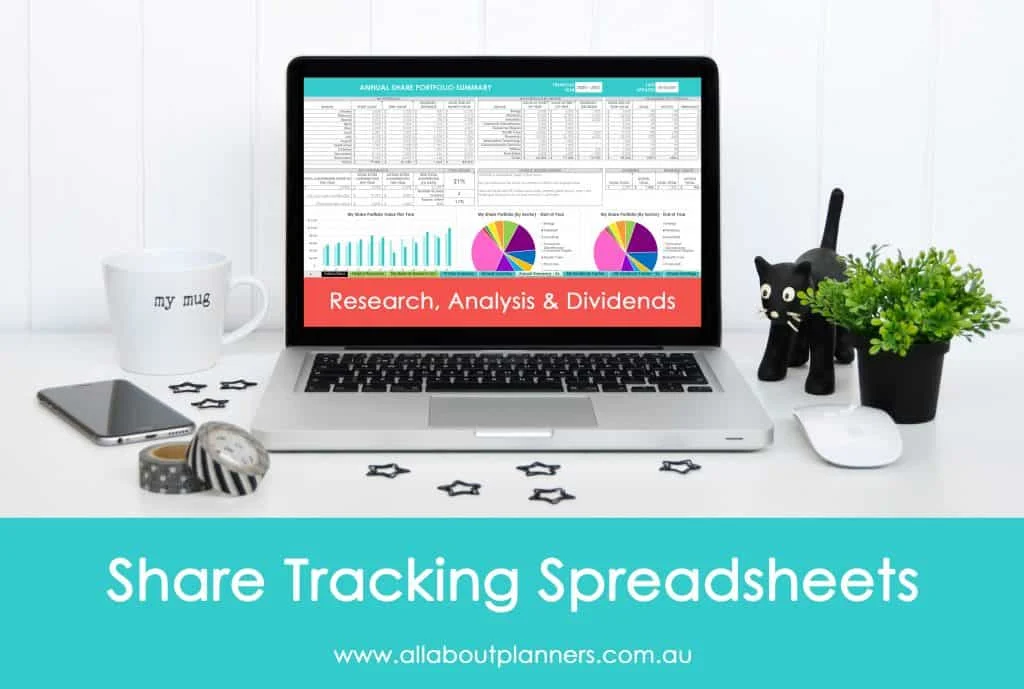
Keeping tabs on performance and staying compliant with tax regulations are essential parts of the crypto lifecycle. These apps answer the subtle question of what apps to use for crypto to manage data, not just assets.
CoinStats – Unified portfolio view
CoinStats aggregates balances from exchanges, wallets, and DeFi protocols into a single dashboard. Its price alerts, news feed, and auto‑sync features help you stay on top of market movements without hopping between apps.
TokenTax – Simplified crypto tax reporting
TokenTax pulls transaction data from most major platforms, generates the required forms for the IRS, and even offers CPA support. If you trade frequently, a dedicated tax tool can save you countless hours.
DeFi and Yield‑Farming Apps

If you’re curious about earning passive income through staking, liquidity provision, or lending, you’ll need apps that interact directly with smart contracts. Here’s where the answer to what apps to use for crypto gets a bit more technical.
Avalanche Wallet – Quick access to high‑yield farms
On Avalanche, apps like Avalanche Wallet let you connect to platforms such as Pangolin and Trader Joe, where you can stake AVAX or provide liquidity for attractive APYs.
Zapper – One‑click yield farming dashboard
Zapper aggregates your DeFi positions across multiple chains, allowing you to add or remove liquidity with a single click. It also offers a “Zap” feature that converts a single token into a complete LP position automatically.
Tips for Choosing the Right Mix of Apps
Start simple, then diversify
Begin with a user‑friendly exchange like Coinbase or Crypto.com to get comfortable buying your first coin. Once you have a modest portfolio, add a dedicated wallet (MetaMask, Trust Wallet, or Phantom) for better security.
Never store large sums on exchanges
Exchanges are convenient, but they’re also prime targets for hacks. Use an exchange for active trading, but transfer any long‑term holdings to a hardware wallet or a secure software wallet with strong encryption.
Keep an eye on fees
Even a seemingly “free” app can have hidden costs—withdrawal fees, network congestion surcharges, or spread differences. Compare fee structures before committing to a platform.
Use two‑factor authentication everywhere
Enable 2FA via authenticator apps (Google Authenticator, Authy) rather than SMS, which is vulnerable to SIM swapping. For the highest security, consider hardware‑based 2FA like YubiKey.
Stay informed about regulatory changes
Crypto regulations evolve quickly. An app that complies with KYC/AML rules today may need to adapt tomorrow. Choose platforms with transparent policies and good community support.
In a nutshell, the answer to what apps to use for crypto depends on your goals: buying and selling, secure storage, portfolio tracking, or diving into DeFi. By aligning your choice of apps with the criteria above, you’ll build a resilient, cost‑effective, and enjoyable crypto workflow.
Ready to take the next step? Check out our practical guide for beginners to learn how to buy your first Bitcoin safely, or explore the full breakdown of Robinhood’s crypto wallet if you prefer a broker‑centric approach.
Happy hunting, and may your crypto journey be both profitable and secure!