
Table of Contents
- Step‑by‑Step Guide on how to deposit money in Crypto.com
- Bank Transfer – how to deposit money in Crypto.com using a traditional bank account
- Credit/Debit Card – how to deposit money in Crypto.com with a card
- Apple Pay & Google Pay – how to deposit money in Crypto.com via mobile wallets
- Other Funding Options – a quick glance
- Preparing Your Account – essential steps before you can deposit
- Identity Verification
- Address Confirmation
- Set Up Two‑Factor Authentication (2FA)
- Managing Fees and Limits – get the most out of your deposit
- Common Issues and How to Fix Them
- Deposit Not Showing Up
- Verification Delays
- Exceeded Limits
- Best Practices for a Smooth Funding Experience
Crypto.com has become one of the most popular platforms for buying, trading, and earning on digital assets. Whether you’re a seasoned trader or just dipping your toes into the crypto ocean, the first thing you’ll need to do is get some fiat money into your account. Depositing funds is the gateway to buying Bitcoin, Ethereum, or any of the 250+ tokens listed on the exchange.
But the process can feel a bit intimidating at first glance. Different regions support different payment methods, fees vary, and a few security checkpoints are in place to protect your money. The good news? Once you understand the workflow, topping up your Crypto.com wallet is as easy as ordering a coffee.
In the next few sections we’ll walk through every viable option, share handy tips to keep fees low, and point out the most common hiccups you might encounter. By the end you’ll know exactly how to deposit money in Crypto.com no matter where you live or which device you use.
Step‑by‑Step Guide on how to deposit money in Crypto.com

Crypto.com offers several funding routes, each with its own speed, cost, and verification requirements. Below is a breakdown of the most popular methods, followed by a quick checklist to make sure you’re ready to go.
Bank Transfer – how to deposit money in Crypto.com using a traditional bank account
- Eligibility: Available in most countries that support SEPA, ACH, or local wire transfers.
- Steps:
- Log in to the Crypto.com app and tap the Wallet tab.
- Select Deposit, then choose the fiat currency you want to add (USD, EUR, GBP, etc.).
- Pick “Bank Transfer” as the method. The app will generate a unique reference number and display the bank details you need to send the money to.
- Log in to your online banking portal, initiate a transfer, and include the reference number in the “Message” field.
- Wait for the funds to appear. Domestic transfers usually settle within 1‑3 business days; international wires may take up to 5 days.
- Fees: Typically free for most domestic transfers; a small fee may apply for SWIFT wires.
Pro tip: Always double‑check the reference number. Missing or incorrect references can delay the deposit, and you might have to contact support to trace the funds.
Credit/Debit Card – how to deposit money in Crypto.com with a card
- Eligibility: Visa and MasterCard are accepted worldwide. Some regions restrict prepaid cards.
- Steps:
- Open the app, go to Wallet → Deposit → Card.
- Enter the amount you wish to load (minimum $10, maximum $10,000 per transaction).
- Provide your card details and billing address.
- Complete the 3‑D Secure verification if prompted.
- Funds are credited instantly, letting you start trading immediately.
- Fees: Around 2.99% per transaction, plus a possible small fixed fee depending on your country.
If you’re wondering whether you can buy crypto with gift cards, our Complete Guide on buying crypto with gift cards explains alternative funding options that some platforms support.
Apple Pay & Google Pay – how to deposit money in Crypto.com via mobile wallets
- Eligibility: iOS users with Apple Pay and Android users with Google Pay can use this method where supported.
- Steps:
- Navigate to Wallet → Deposit → Apple Pay/Google Pay in the app.
- Select the amount and confirm the transaction using Face ID, Touch ID, or your device PIN.
- The money appears in your Crypto.com account within seconds.
- Fees: Usually the same as card deposits (≈2.99%).
Other Funding Options – a quick glance
Depending on your location, you might also have access to:
- PayPal: Limited to a few markets, instant settlement, higher fees.
- Cash App: Not directly supported, but you can move money from Cash App to a linked bank account first. For a deep dive on Cash App as a crypto wallet, see Is Cash App a Crypto Wallet? A Deep Dive.
- Stablecoin Transfers: If you already hold USDT, USDC, or other stablecoins, you can transfer them directly to your Crypto.com wallet address.
Preparing Your Account – essential steps before you can deposit
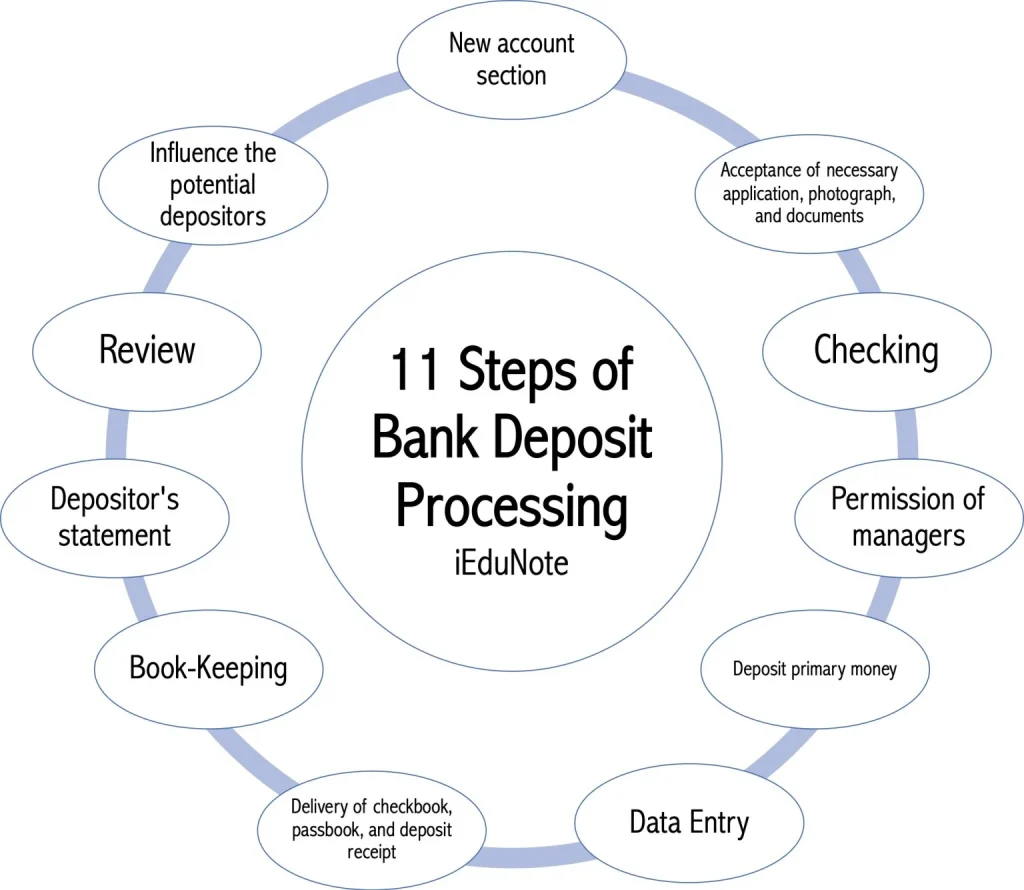
Before you start moving money, Crypto.com requires a few verification steps. These are standard KYC (Know Your Customer) procedures meant to keep the platform safe.
Identity Verification
Upload a clear photo of a government‑issued ID (passport, driver’s license, or national ID). You’ll also need to submit a selfie for facial verification. Once approved (usually within minutes), you can lift most deposit limits.
Address Confirmation
Provide a utility bill, bank statement, or any official document showing your name and residential address. This step is mandatory for larger deposits (> $10,000) and for complying with anti‑money‑laundering regulations.
Set Up Two‑Factor Authentication (2FA)
Enable 2FA via Google Authenticator or Authy. It adds an extra layer of security, especially when you’re transferring large sums.
Managing Fees and Limits – get the most out of your deposit
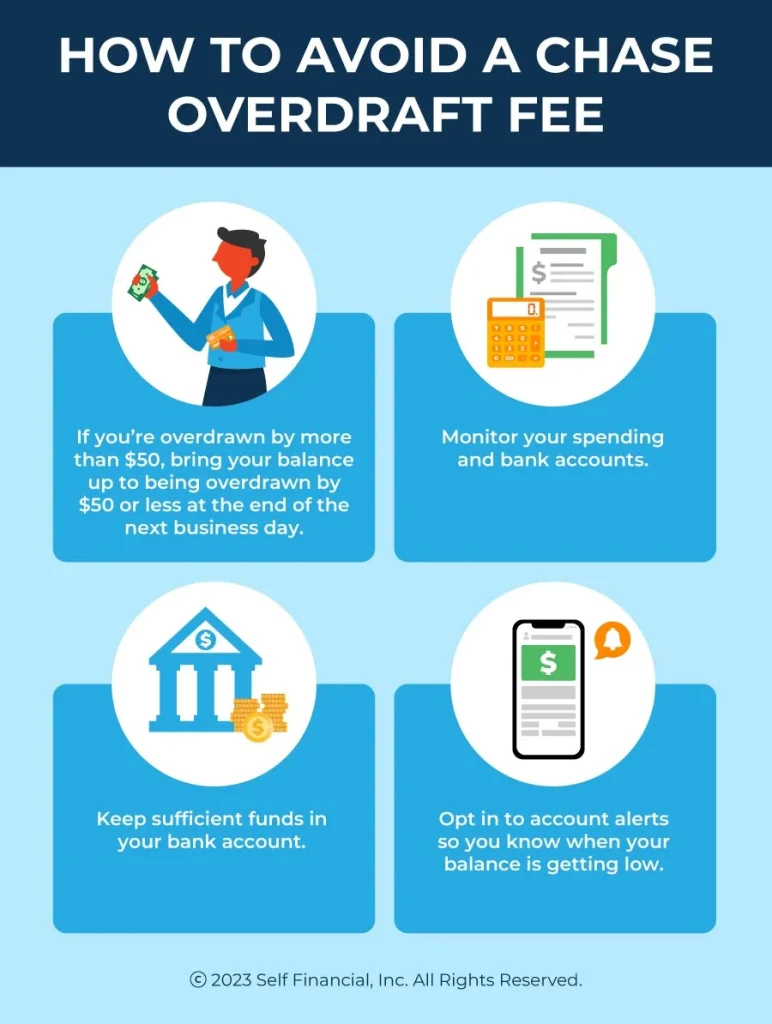
Understanding the fee structure helps you avoid surprise costs. Here’s a quick reference:
- Bank Transfer: 0% – 1% (depends on currency and region).
- Card/Apple Pay: 2.99% per transaction.
- Minimum deposit: $10 (card), $100 (bank).
- Maximum daily limit: $25,000 (after full KYC), lower for unverified accounts.
If you’re a fee‑conscious trader, the What Crypto App Has the Lowest Fees? A Deep Dive article compares Crypto.com with other popular apps, helping you decide where to keep most of your money.
Common Issues and How to Fix Them
Even with a clear roadmap, a few hiccups can pop up. Below are the most frequent problems and their solutions.
Deposit Not Showing Up
- Bank Transfer: Verify that you included the correct reference number. If the transfer is still pending after the expected processing time, contact your bank and request a transaction trace.
- Card Deposit: Check if your issuing bank has blocked the transaction for security reasons. A quick call to the bank usually resolves it.
Verification Delays
If your ID or address documents keep getting rejected, make sure they are not blurry, are not expired, and show the full document without cropping. Some countries require additional proof of residence, such as a recent tax bill.
Exceeded Limits
Crypto.com automatically caps daily deposits for unverified users. To raise the limit, complete the full KYC suite and consider linking a second verification method (e.g., a second ID or a proof of income).
Best Practices for a Smooth Funding Experience
- Always double‑check the currency you’re depositing. Crypto.com will reject mismatched currencies (e.g., sending EUR to a USD deposit link).
- Keep a screenshot of the transaction receipt until the funds appear in your wallet.
- Use the app’s built‑in “Deposit History” tab to track pending and completed deposits.
- Stay aware of regional restrictions. For example, residents of Hawaii have specific guidelines; you can read more in Can You Buy Crypto in Hawaii? A Complete Guide for Residents.
By following these steps, you’ll be able to fund your Crypto.com account quickly and securely. Once the money lands in your fiat wallet, you can instantly convert it to Bitcoin, stake it for passive income, or explore the wide range of DeFi products the platform offers.
Remember, the key to a hassle‑free experience is preparation: verify your identity, double‑check your banking details, and keep an eye on fees. With the right knowledge, how to deposit money in Crypto.com becomes a routine part of your crypto routine rather than a roadblock.
Happy trading, and may your deposits be swift and your gains plentiful!